
📣 Before we begin please make sure you have installed WooCommerce and Quick Add to Cart for WooCommerce. Download the Quick Add to Cart plugin from my account, install and activate the license.
How to enable the Quick Add to Cart for WooCommerce Plugin
Total Time: 10 minutes
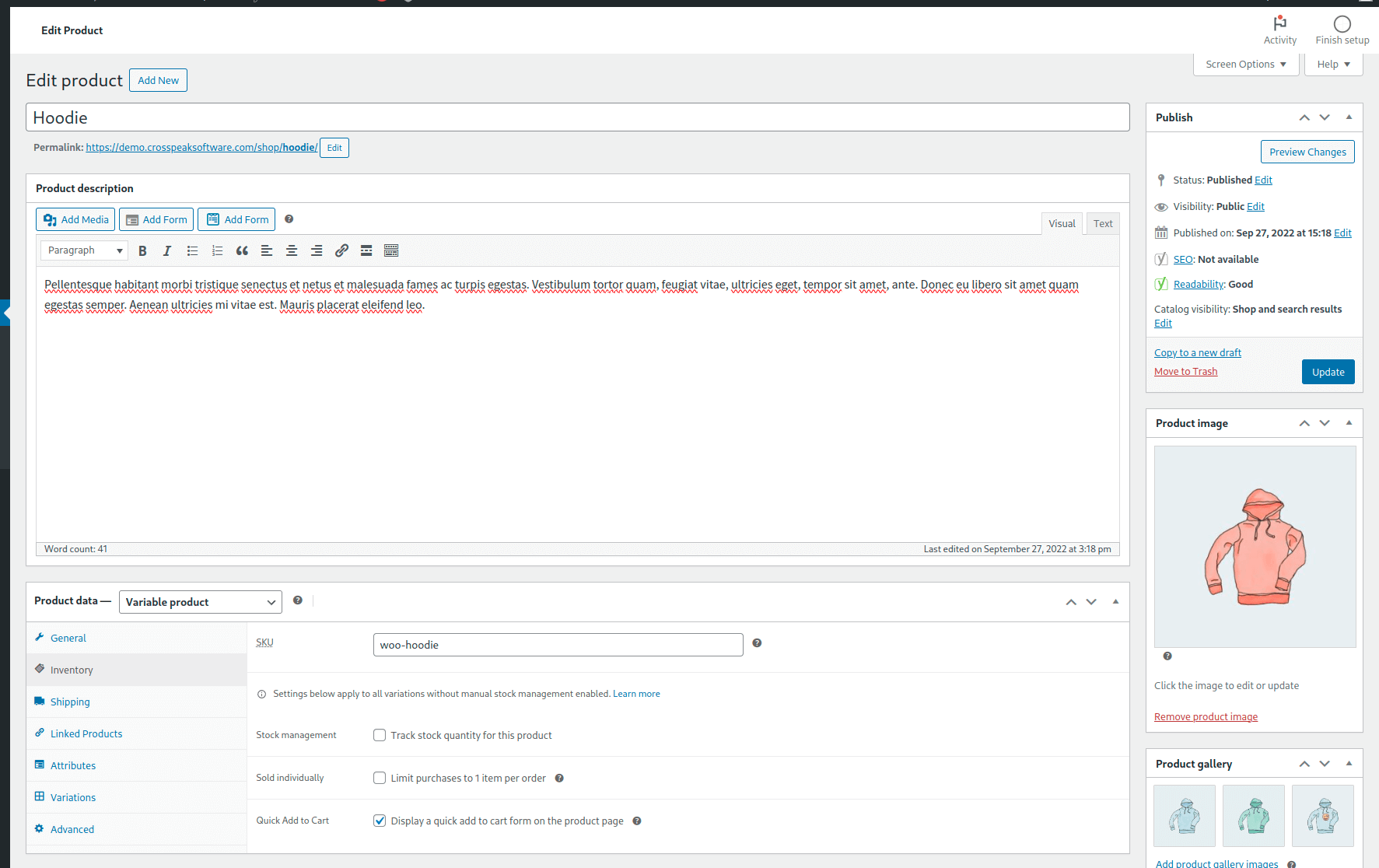
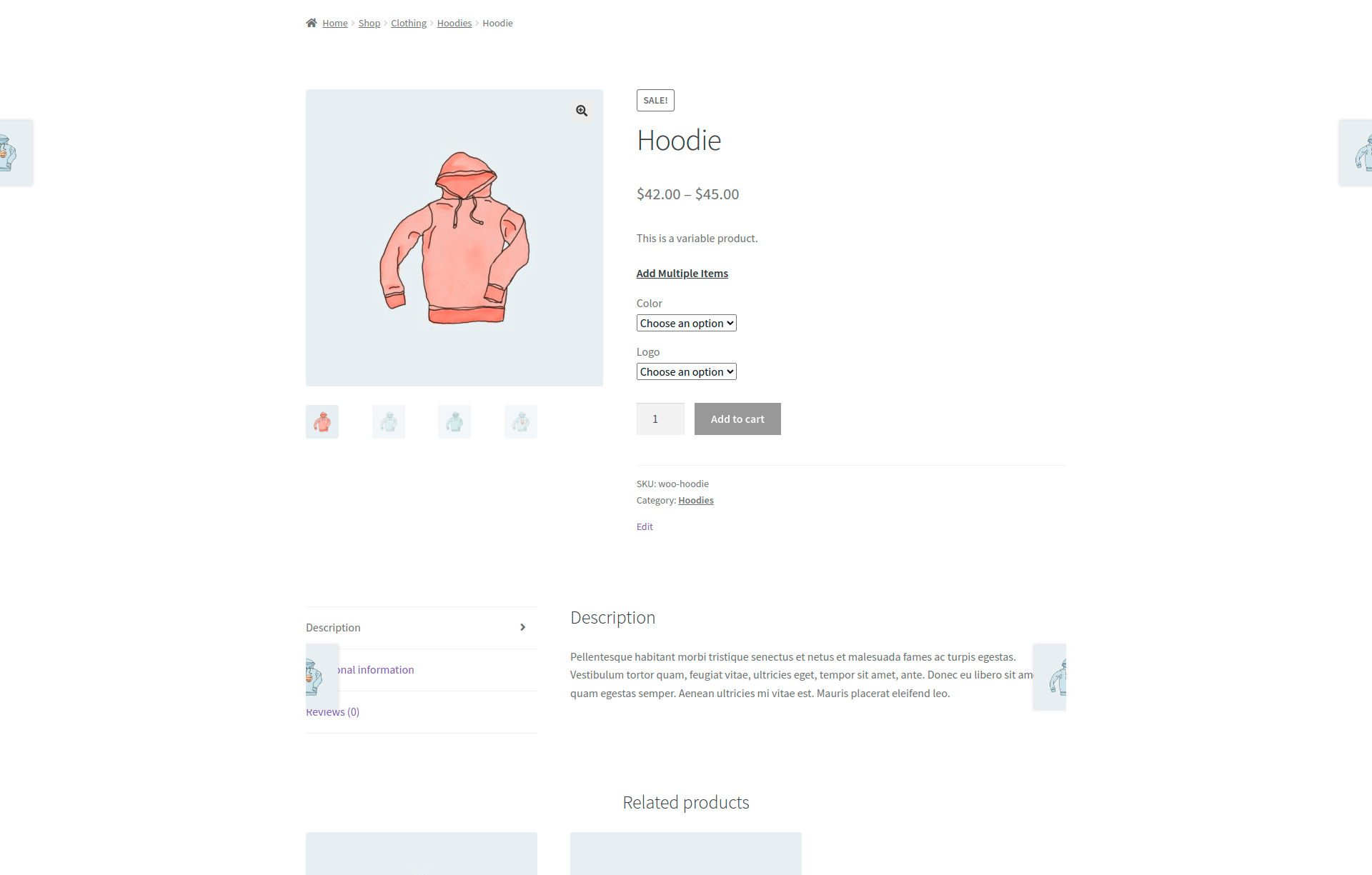
Select a variable product
Select a viable product you would like to add the Quick Add to Cart modal/popup window to.
Enable the Quick Add to Cart
Tools:
- WordPress
- WooCommerce Plugin
- Quick Add to Cart for WooCommerce Plugin
Questions & Support
Still have a question? Review our other documentation for the plugin, or reach out with additional questions or feature requests.